Chapter 4 · Ship's papers
Account, Billing and Security
Settings, credit, and what keeps it all safe.

Your secrets stay below deck. I never even see them.
4.1Account & safety
Settings, page by page
Settings are account-level, so they work before you have connected GitHub.
| Page | What it is for |
|---|---|
| Appearance | Light (porcelain) or dark (graphite). Dark is the default. |
| Account | Who you are signed in as. Your default working style, auto-approve, email updates and where they go, setting up again, and deleting the account. Admins also see Invites: who may sign up while sign-up is invite-only. |
| Billing | Prepaid credit, top-ups, the welcome offer and the ledger. Shown once you have credit, or when billing is switched on for the deployment. |
| GitHub | The App installation Sailor works through, and below it the repositories Sailor may work in, each with the preview recipe that boots its app for the verifier. Every Sailor account you connect to the same GitHub account shares the installation. |
| Secrets | Keys the agent may use, stored encrypted and write-only. |
| Assistant | The three shortcuts, and the product tour. |
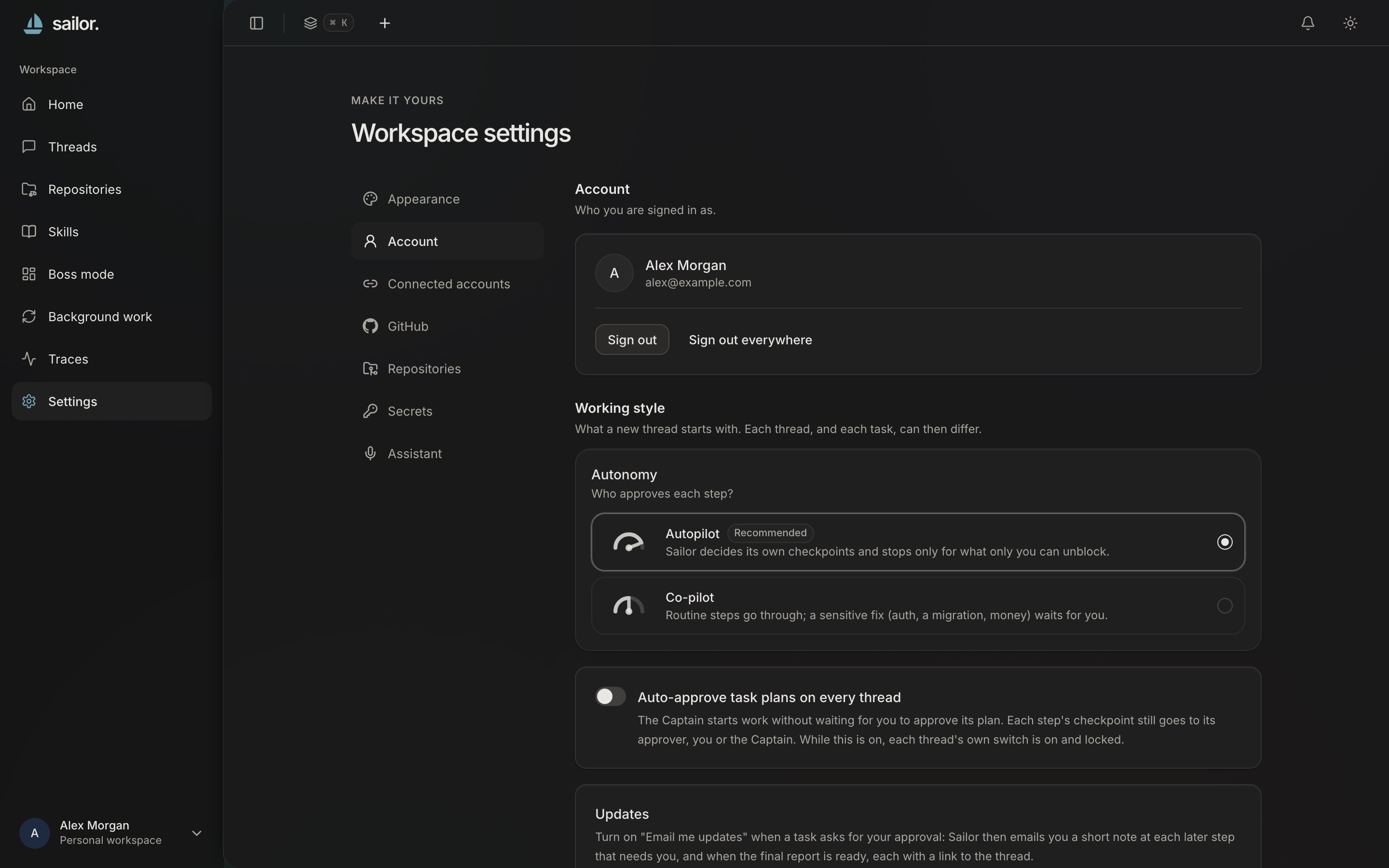
Settings → Account: working style, auto-approve and email updates.
Secrets
Add a secret with a name and an environment-variable key, such as DAYTONA_API_KEY. You will never see the value again; to change it, add it again with the same name. The agent can use one for a single approved command, and the value is stripped from everything it sees.
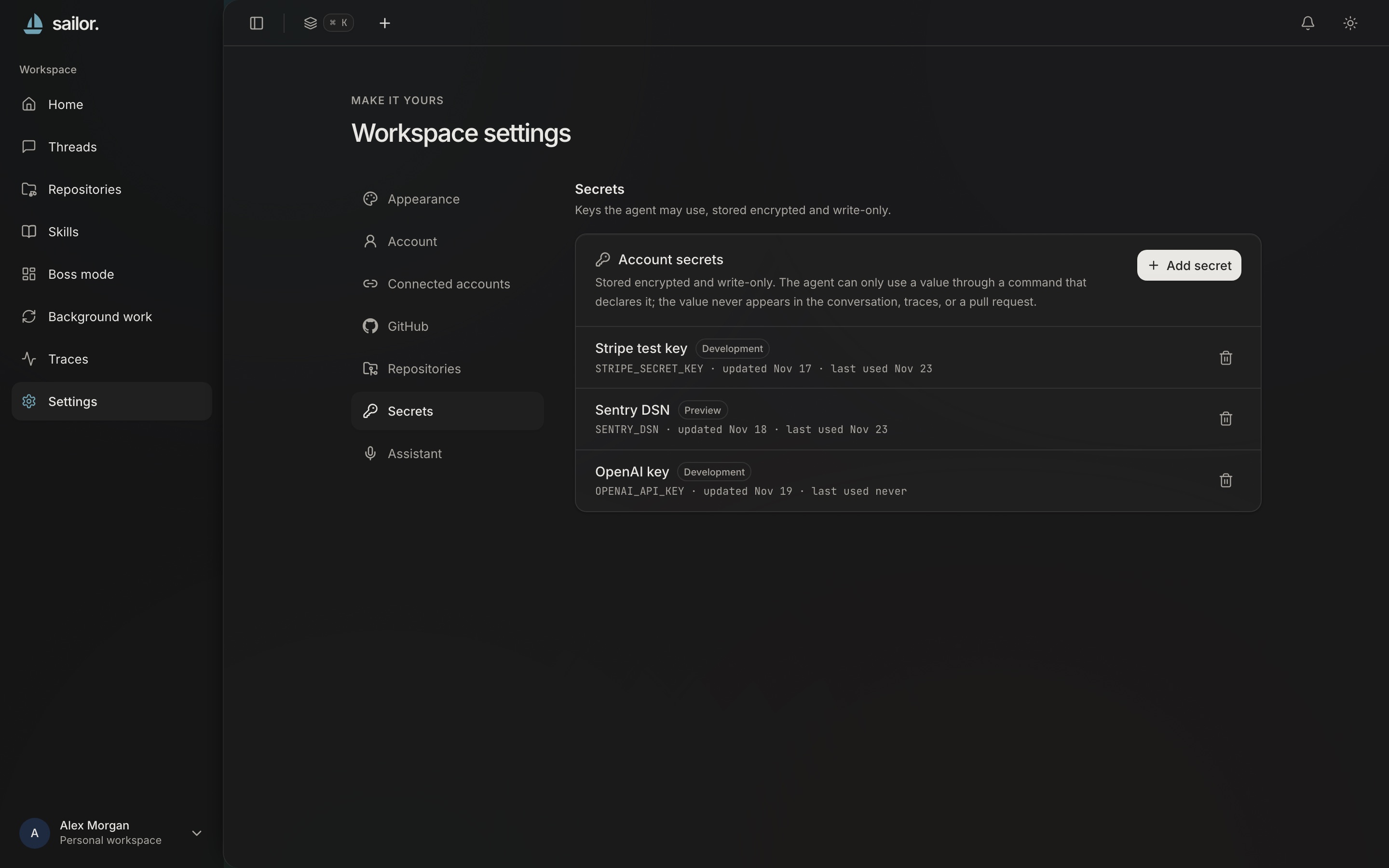
Secrets: write-only, so nobody, including you, can read one back.
4.2Account & safety
Credit and billing
Work is paid for from prepaid credit, and every cent is in a ledger you can read.
- Welcome credit
- The Sailor team grants it, such as to early users let in from the waitlist. It appears in the ledger as Welcome credit.
- A readable ledger
- Each entry has a time, a note and an amount: welcome credit, usage, refunds, adjustments.
- A credit pill
- Your balance sits in the workspace header, so a long run never surprises you.
Credit is added in Settings → Billing, from $5 to $1,000 at a time, through Stripe. When billing is switched on for the deployment you can also keep a card on file: usage above your credit is billed monthly against a cap you set, and a cap of $0 keeps you on credit only. The same page opens the billing portal for a card change or a receipt.
4.3Account & safety
Security and privacy
The agent is powerful, so the walls are built into the platform, not left to the agent's good manners.
- Publication is explicit. A finished turn publishes nothing; only the publish step does, and it re-verifies access and evidence.
- Tests and configuration are read-only for agents unless the task is about them.
- Questions are real questions. Agents ask with a question card that pauses the run, never in prose they hope you read.
Reference: glossary and troubleshooting.